 FaceSwape
AI face swap video example: before and after
Updated
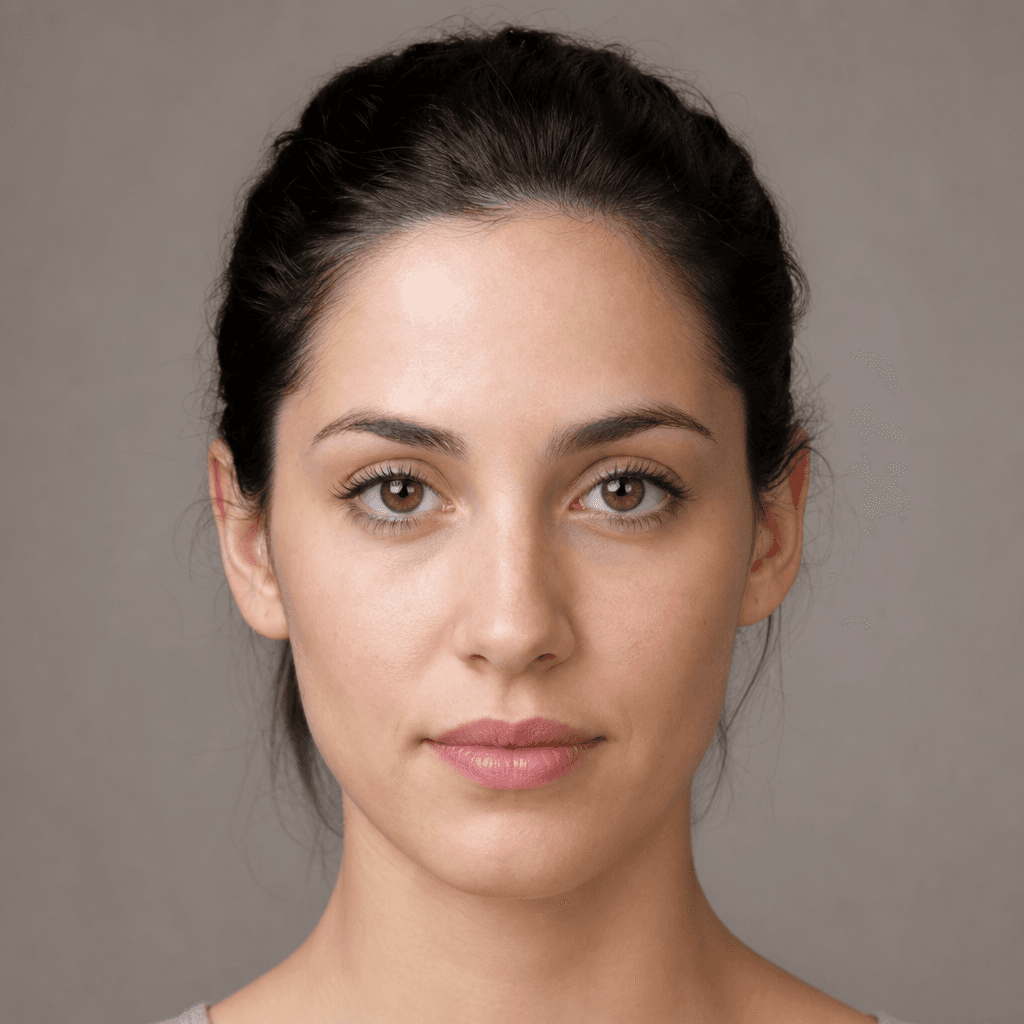
This clip shows what an AI video face swap does. The face of the person in the original video was replaced, on every frame, with the face from a single portrait photo. The body, clothes, background, camera movement and sound all come from the original clip. Both people are fictional and AI-generated; no real person appears in this example.
What went in
Two files: the original clip below, and one front-facing portrait used as the new face.
How to make one like it
Open the studio, upload a sharp, front-facing face photo and a clip of up to 30 seconds, and render. Standard costs 1 credit per second and takes about a minute; Pro costs 2 credits per second at 480p or 5 at 720p and takes a few minutes. New accounts get a free trial. The step-by-step guide covers choosing the photo and the clip.
Why it looks natural
The portrait faces the camera in even light, and the person in the clip keeps their face clearly visible and reasonably large in the frame. Those two choices matter more than any setting. Use your own face, your own AI avatar, or someone who agreed; see AI avatar face swap for posting with an avatar instead of your real face.